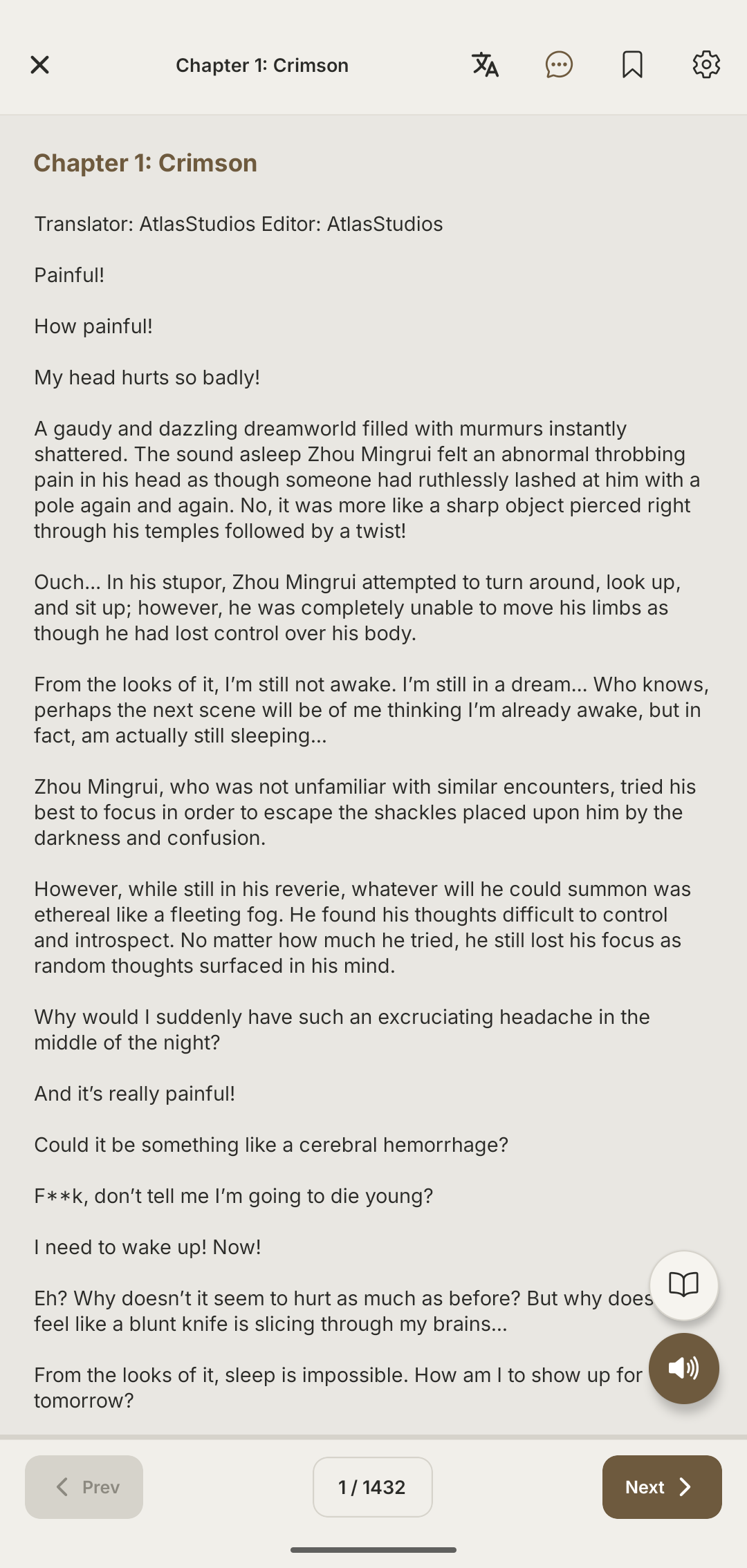
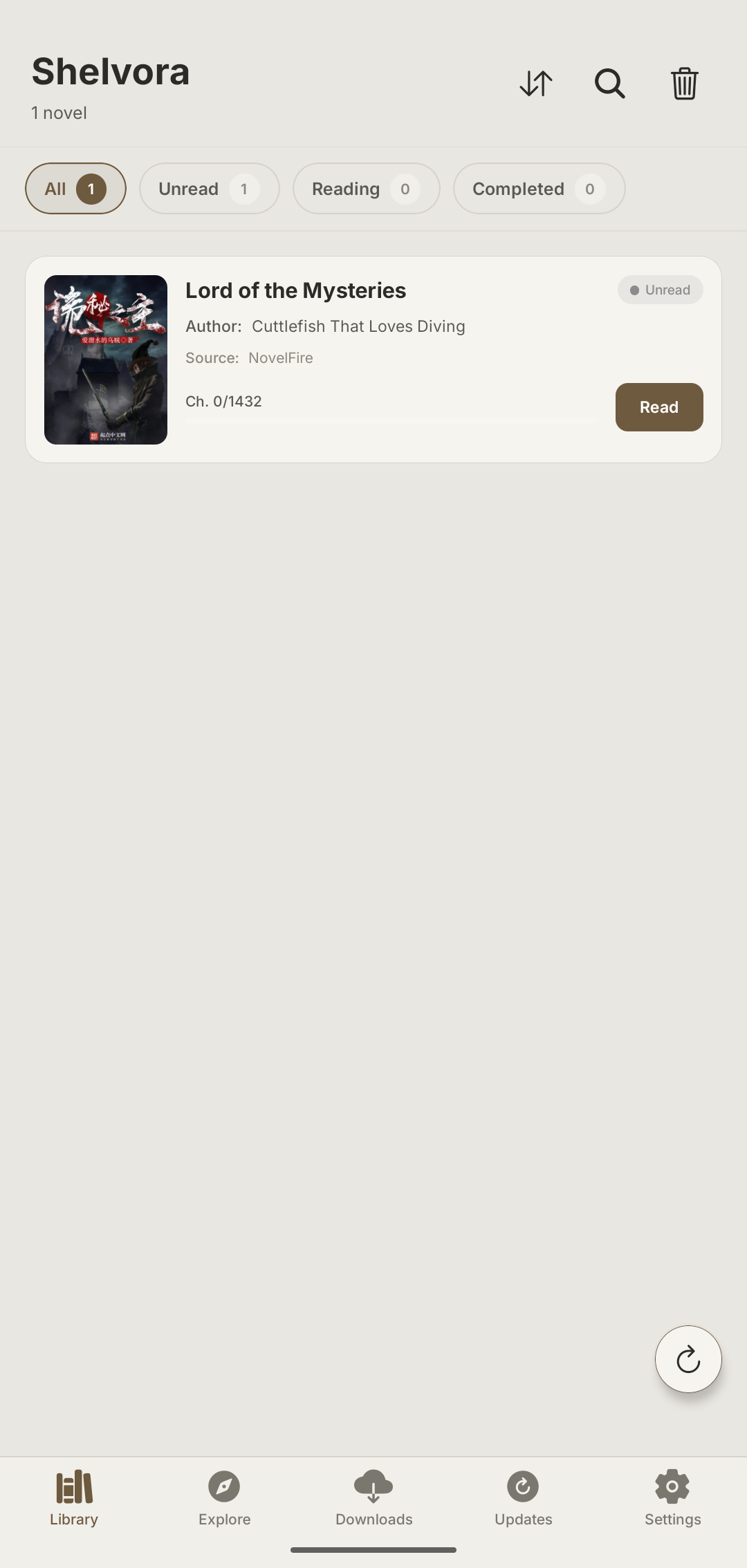
Your library, anywhere
Web novel serials run for hundreds or thousands of chapters across months. Add a title once and it lives on your device — read on the subway, on a flight, at 2 a.m. with no signal at all. Your whole shelf, always with you.
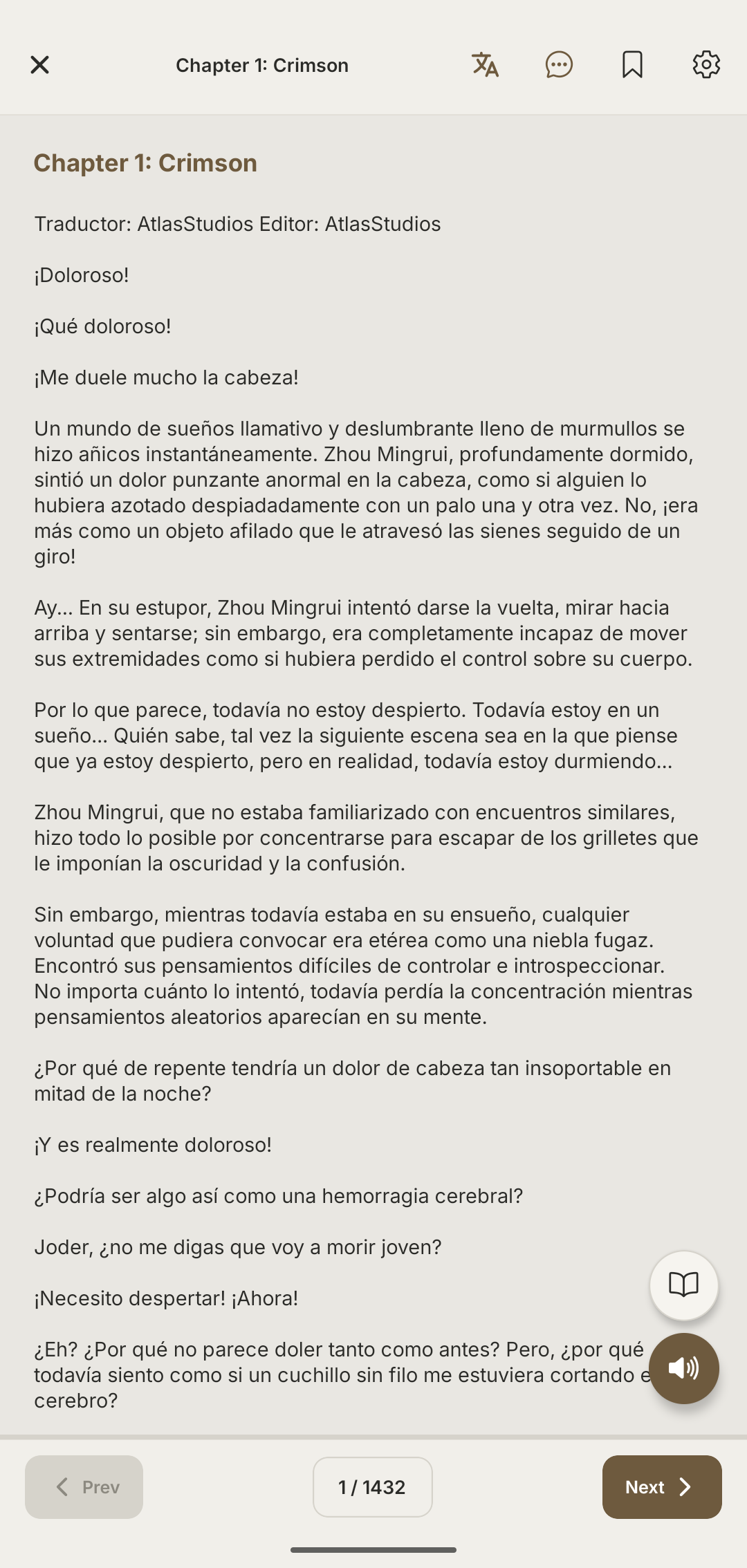
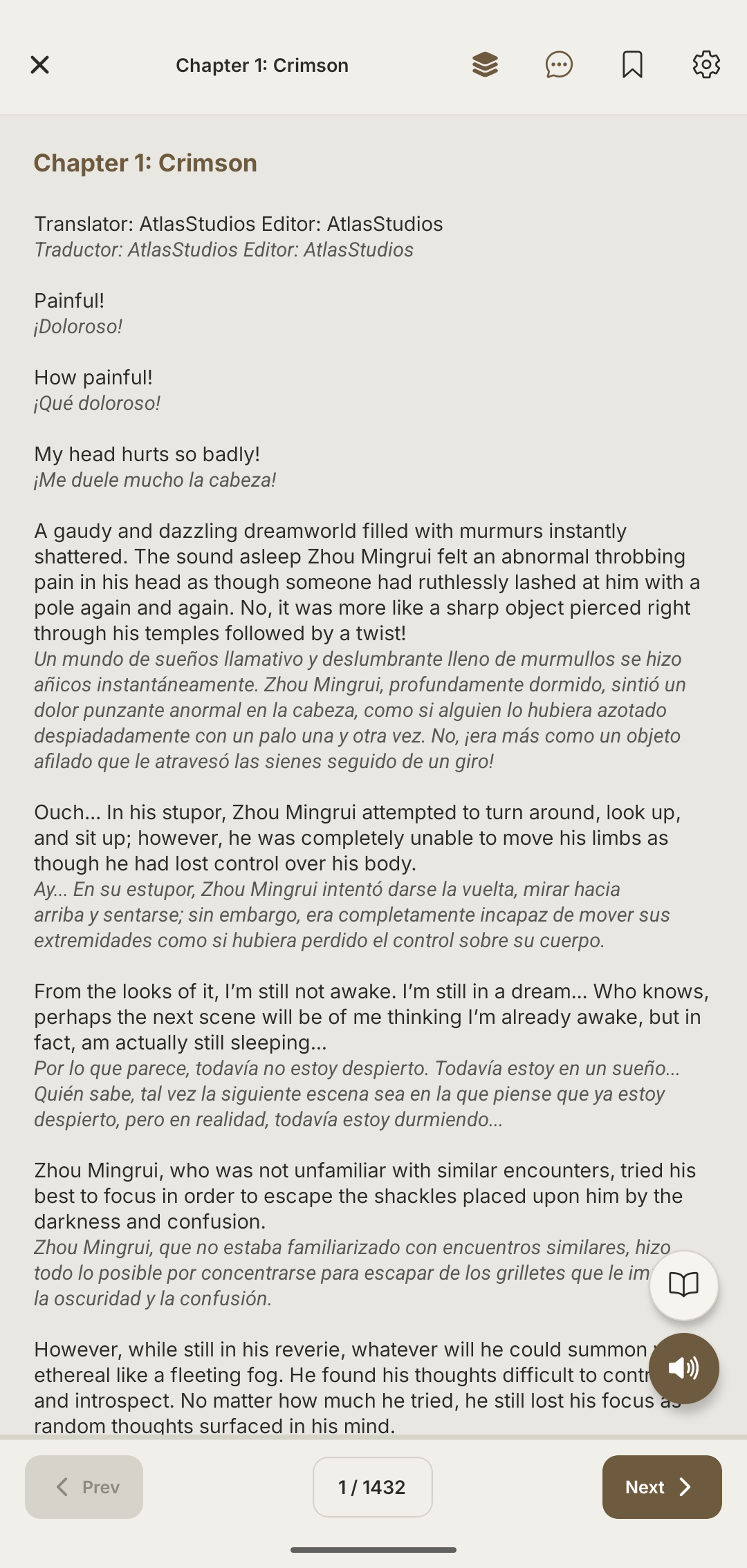
Translation, three ways
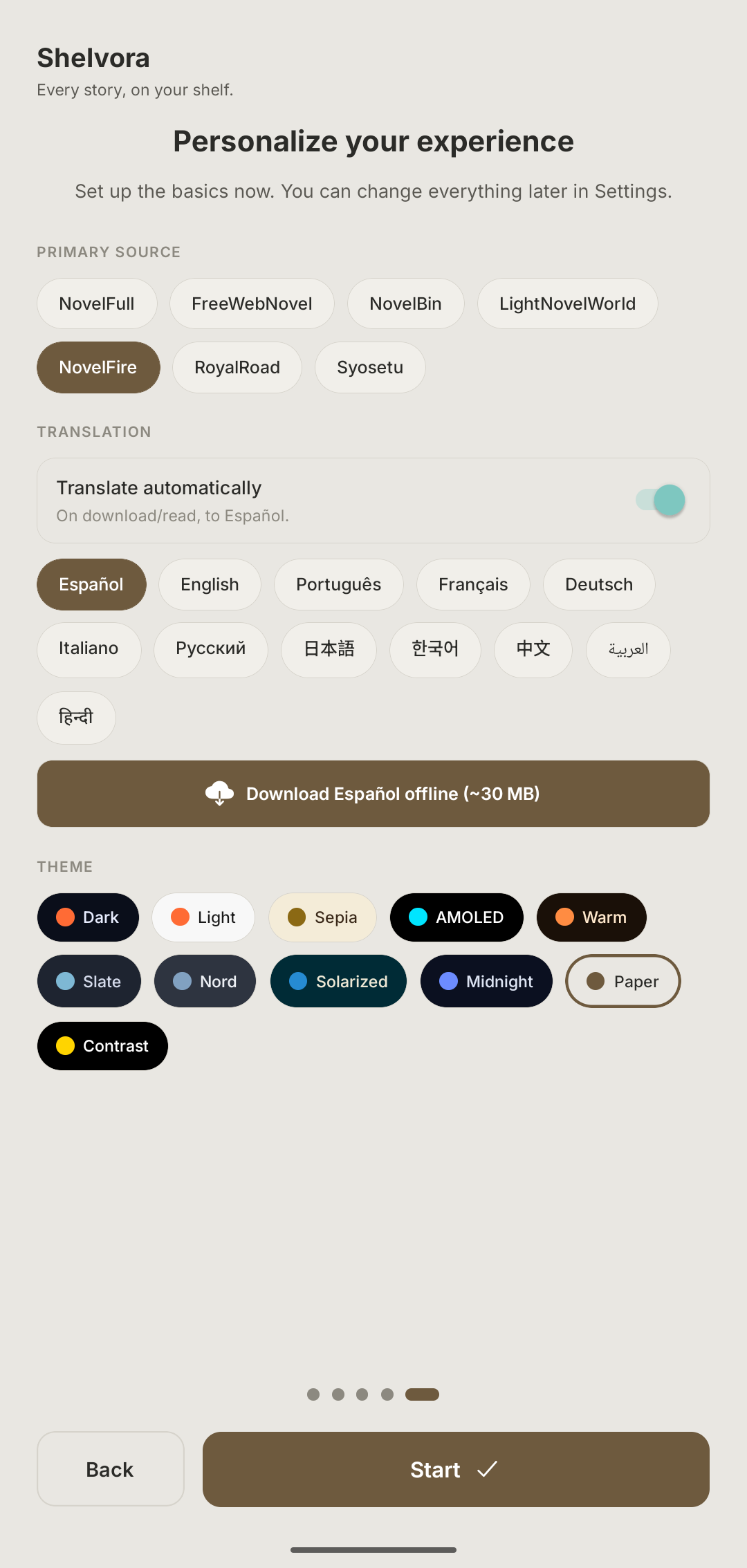
Most titles never get an official version in your language. Read the original, the translation, or both side by side — best-quality online translation when connected, with an on-device ML Kit model as a fallback, cached per chapter so it works offline too. No promises of perfect, human translation: the goal is keeping proper names, realms, skills and the System consistent where ordinary MTL drifts.
Browse, rank, search
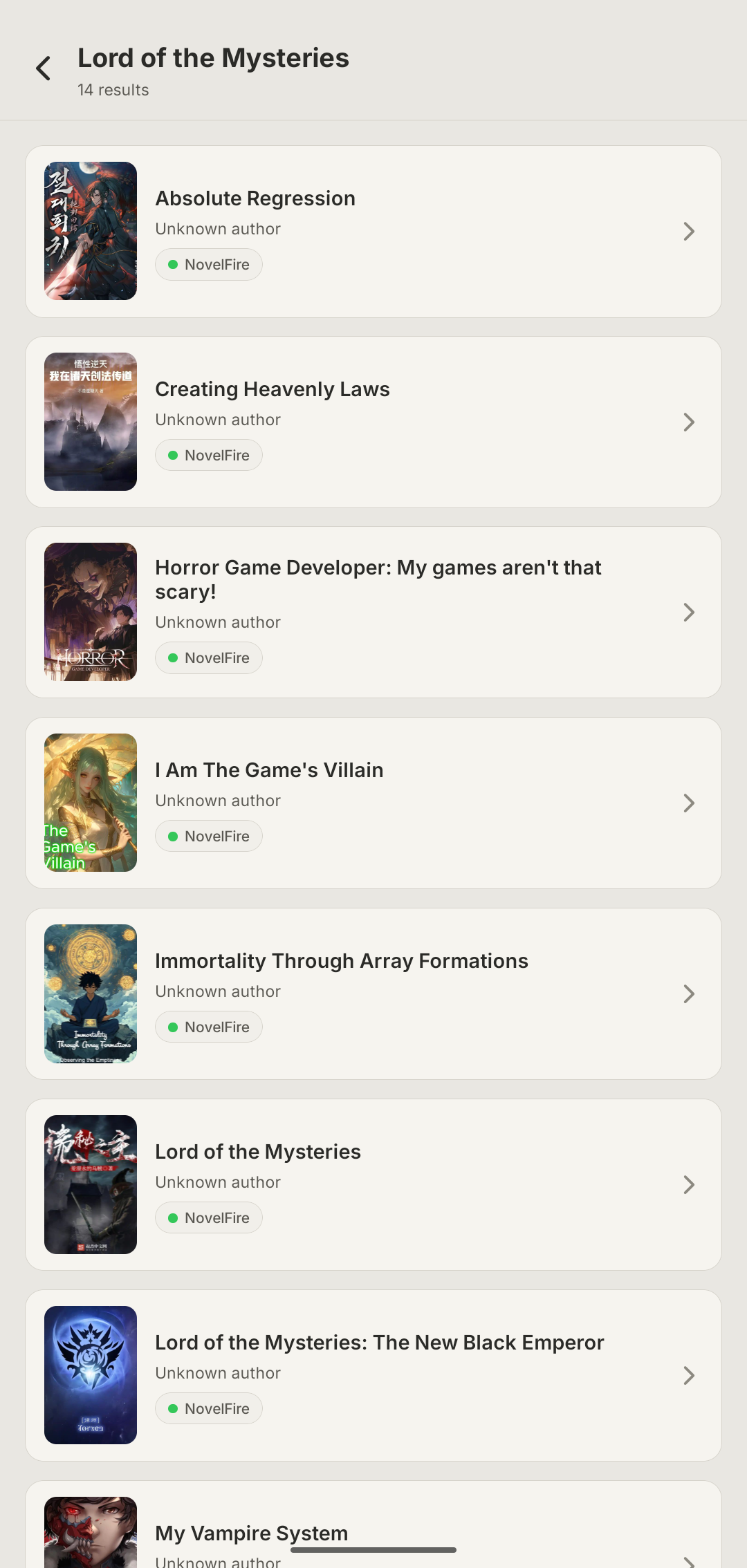
A single series is often scattered across half a dozen fragile sites. Browse multiple sources — NovelFire, RoyalRoad, FreeWebNovel, LightNovelWorld, Syosetu and more — check the rankings and search by title, then pull it all into one personal library in a tap, with or without downloading up front.
Rich, translated details
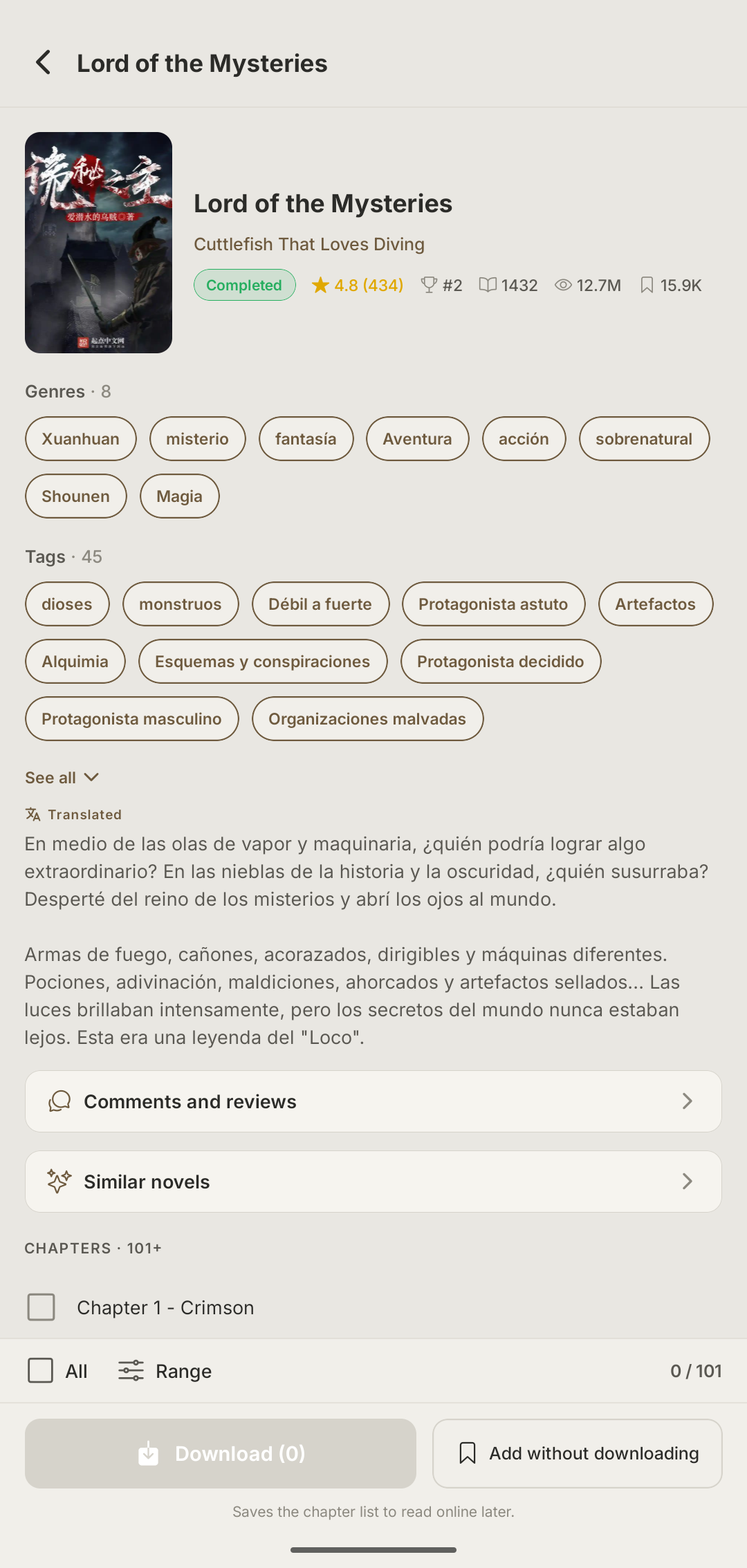
Status, rating, chapter count, genres and tags — with the synopsis and categories translated into your language, so you know whether you're picking up a xianxia, a regression-and-hunters story or a progression-fantasy litRPG before you commit a few hundred chapters.
Track your reading
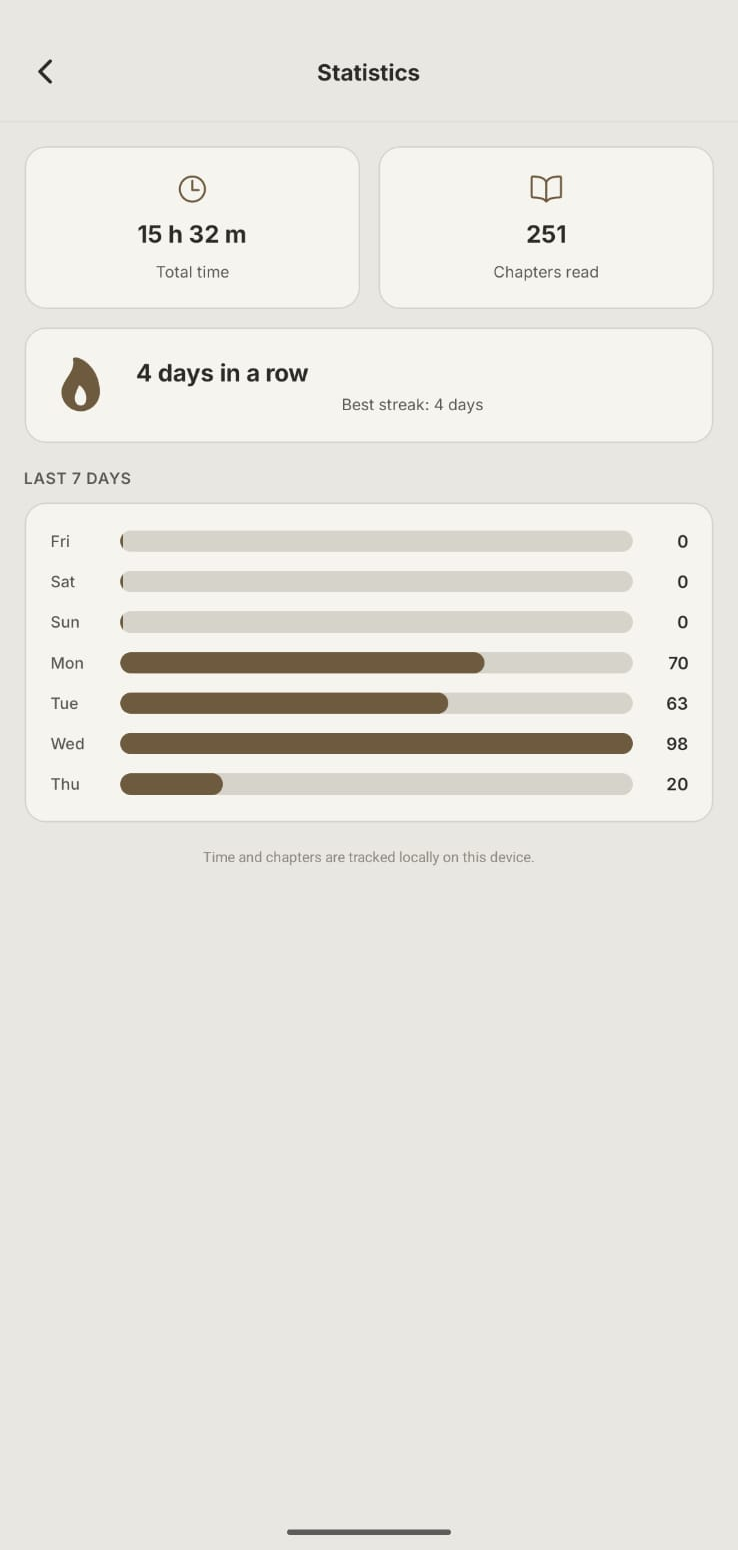
With works of 800+ chapters that take months to finish, a reliable reading position matters. Pick up exactly where you left off, plus total time, chapters read, daily streaks and a 7-day overview — all tracked locally on your device, never in the cloud.
11 themes & a tuned reader
An ad-free reader, built for focus — no ads, no clutter, no broken ‘next-chapter’ buttons. Paper, dark, sepia, AMOLED, Nord and more, plus typeface, margins and paginated mode, and your interface in English or Spanish. Set it up once and read comfortably for hours.
Keep your own copy
Fan translations get dropped, sites go down or change domains, chapters slip behind paywalls. Download chapters in bulk and keep a personal copy that survives a new phone, a dead site or an abandoned translation — with full backup and restore. It’s the archiving culture of the niche, born from how fragile the sources are — not a piracy route; when an official edition exists, it’s worth supporting.